- Products
- New Products
- Featured Products
- Color and Print Themes
- Blood Pressure Measurement
- NIBP / Vital Sign Monitors
- Digital Aneroid Sphygmomanometers
- Palm Aneroid Sphygmomanometers
- Pocket Aneroid Sphygmomanometers
- Pro's Combo Sphygmomanometers
- Multicuff Sphygmomanometers
- Clock Aneroid Sphygmomanometers
- Mercury Sphygmomanometers
- Home Blood Pressure Measurement
- Adcuff +
- Gauges
- Bulb & Valves
- Disposable Cuffs
- Reusable Cuffs & Bladders
- Sphygmomanometer Accessories
- Sphygmomanometer Parts
- Caseware
- CPR / Airway
- EENT
- Instruments & Accessories
- Laryngoscopes
- Penlights
- Pulse Oximeters
- Stethoscopes
- Thermometry
- Vital Signs Monitors
- Solutions
- About ADC
- Learning Center
- Support
- Blog
- Contact

ADC @Home App
Track, trend, and take control of your blood pressure.
ADC @Home is the free companion app for iPhone and Android that pairs with your ADC monitor to guide every reading and show you the trends behind it.


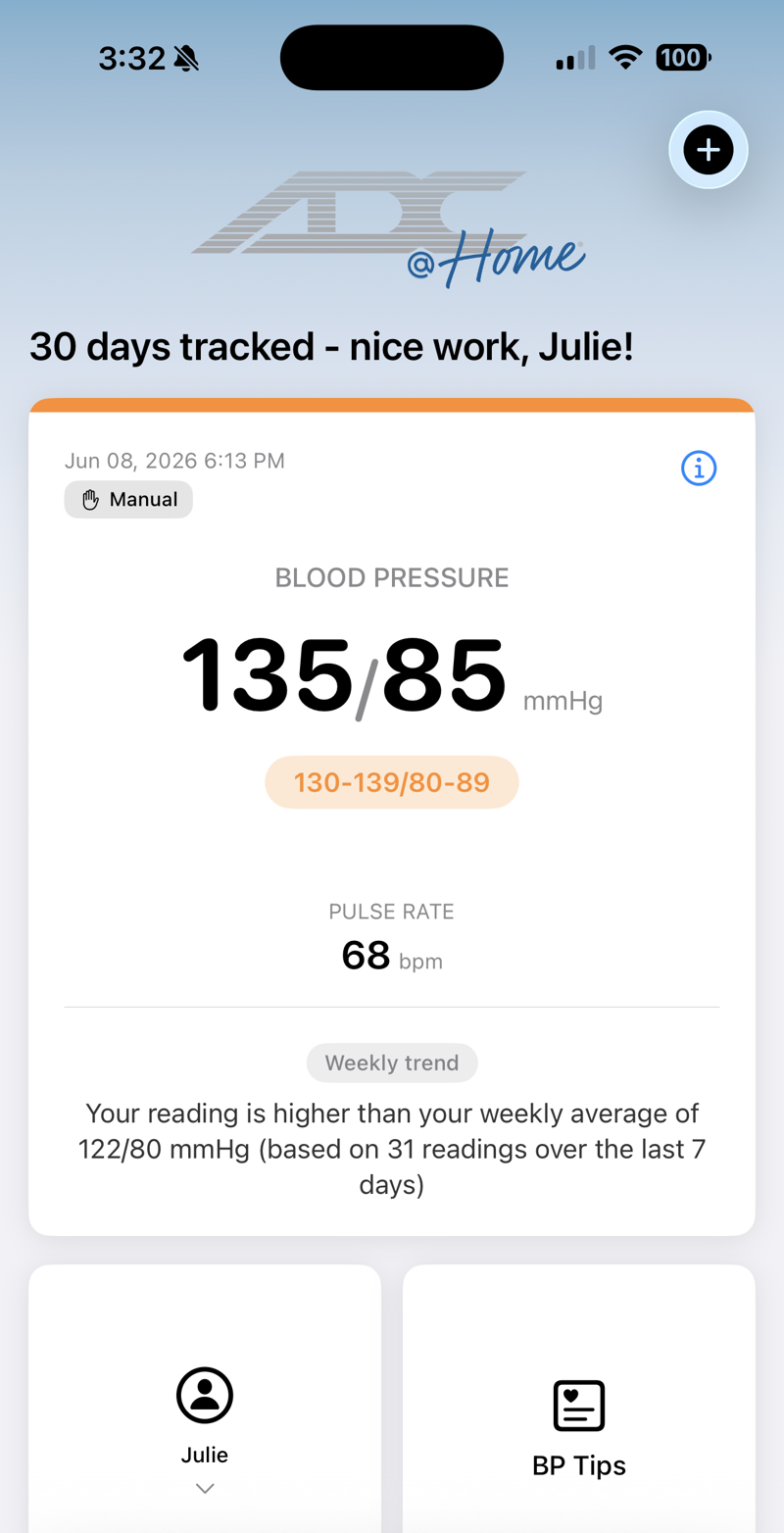
See it all at a glance
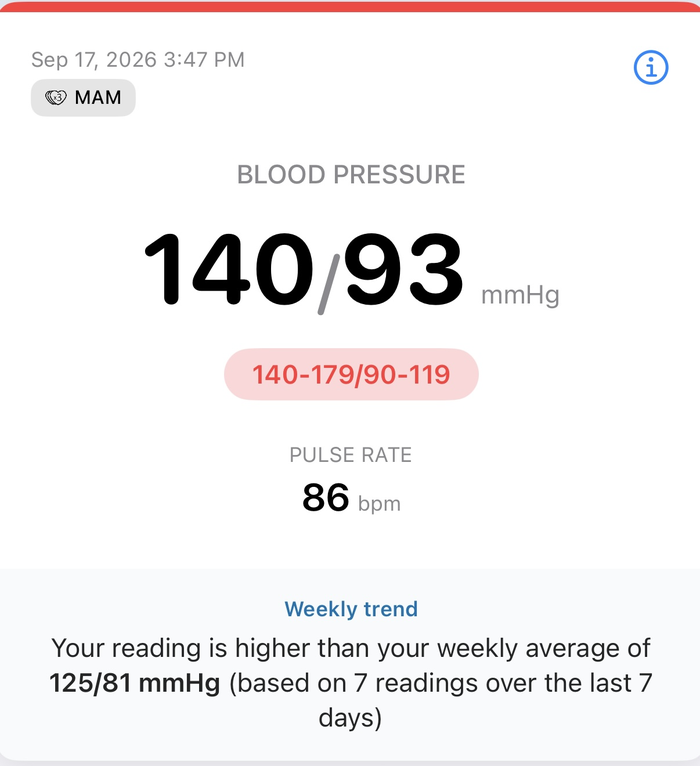
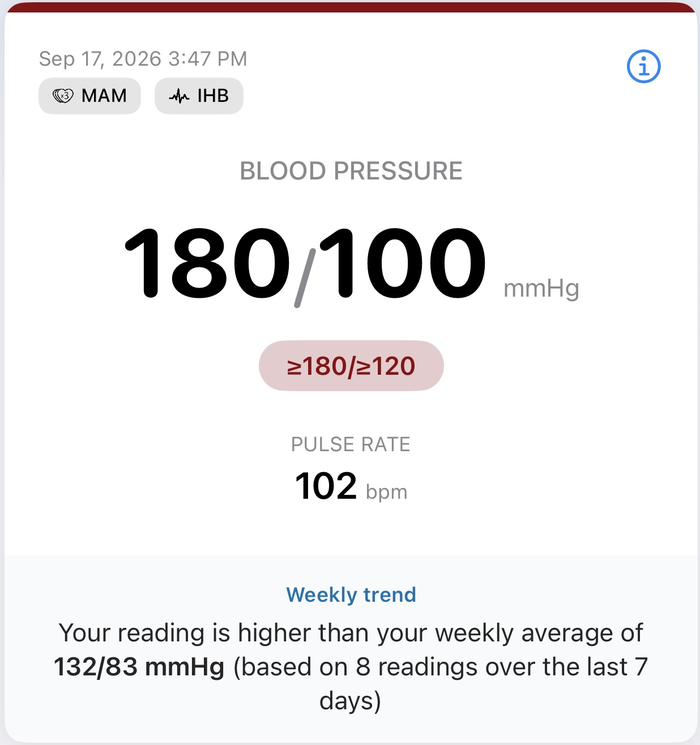
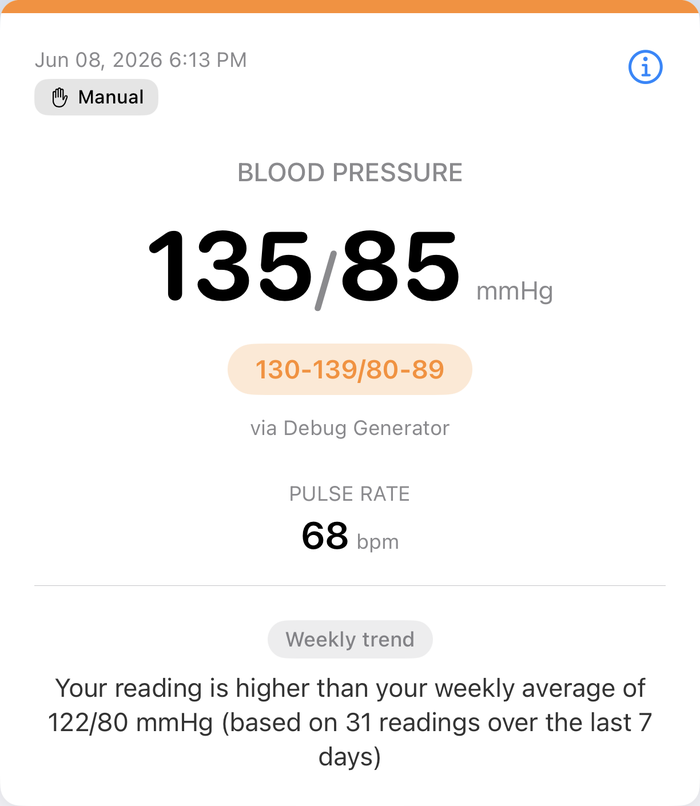
Your latest reading, your category, and a friendly insight on how today compares to your weekly average, right on the home screen the moment you open the app.
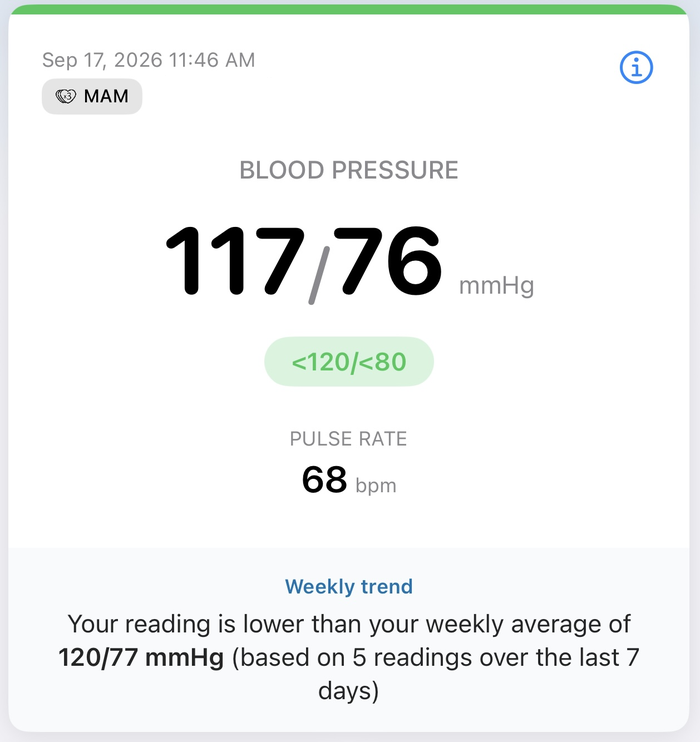
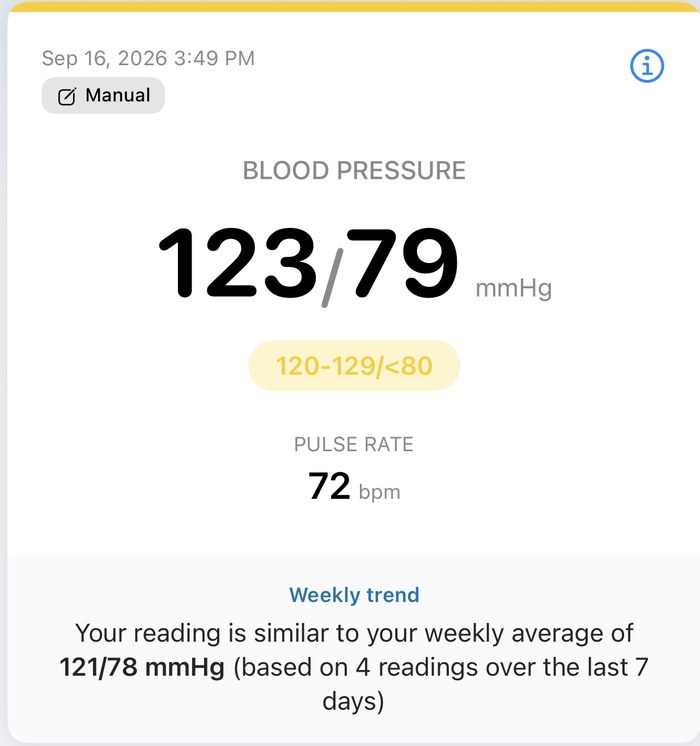
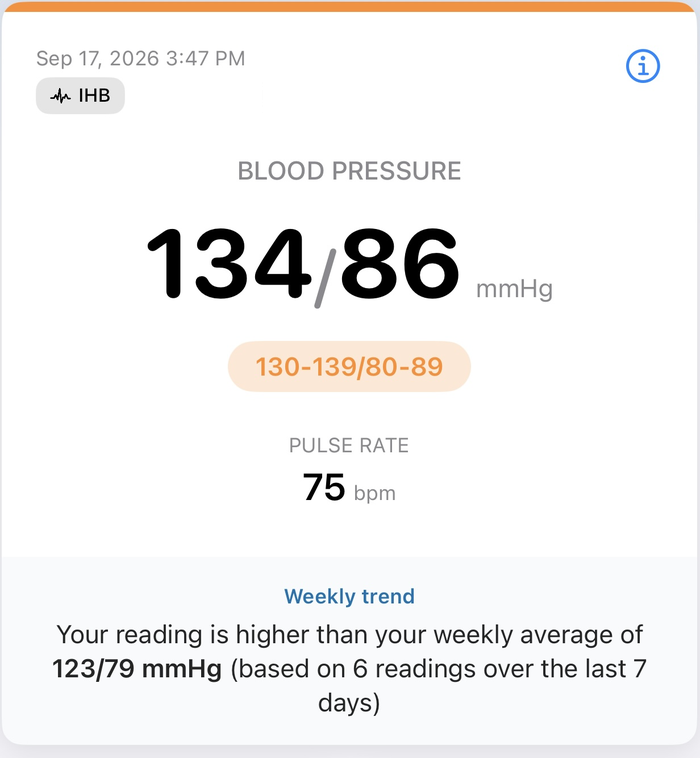
Take a closer look
See everything,at a glance
Your latest reading, your streak, and quick links to your profile and blood pressure tips are all right there the moment you open the app.
Better,together
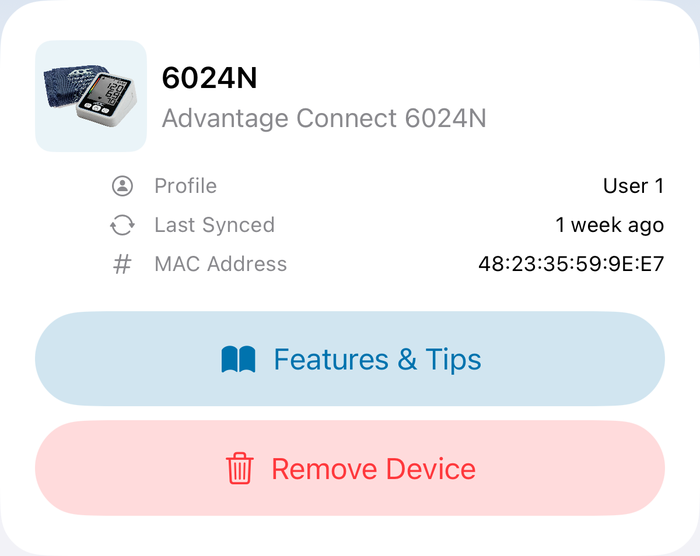
ADC @Home pairs with your Advantage Connect® monitor over Bluetooth, matching the two user slots on the device itself.
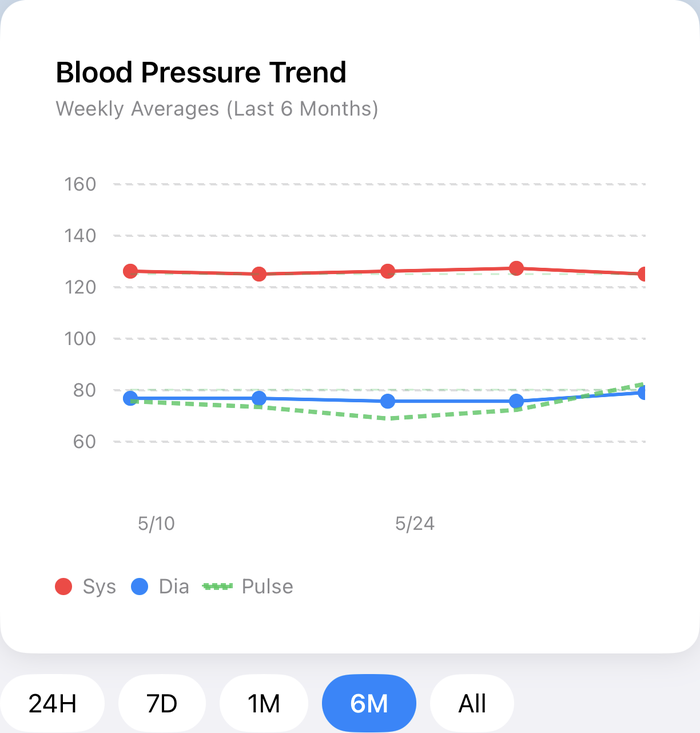
See yourtrends
Interactive charts show individual readings, daily averages, and weekly averages, so you see the story behind your numbers, not just a list.
Guided,automatic syncing
Pair your Advantage Connect® 6024N or 6115 and take a reading with a guided, step-by-step flow. It syncs over Bluetooth the moment you're done, no cables, no typing.
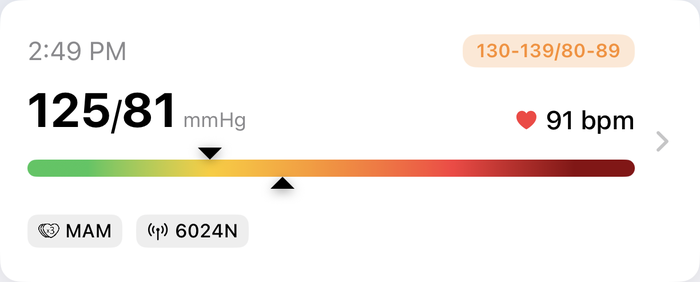
Understandevery reading
Multiple Average Measurement and Irregular Heartbeat indicators show up when your monitor reports them. Share any reading as text, or add a note to it.
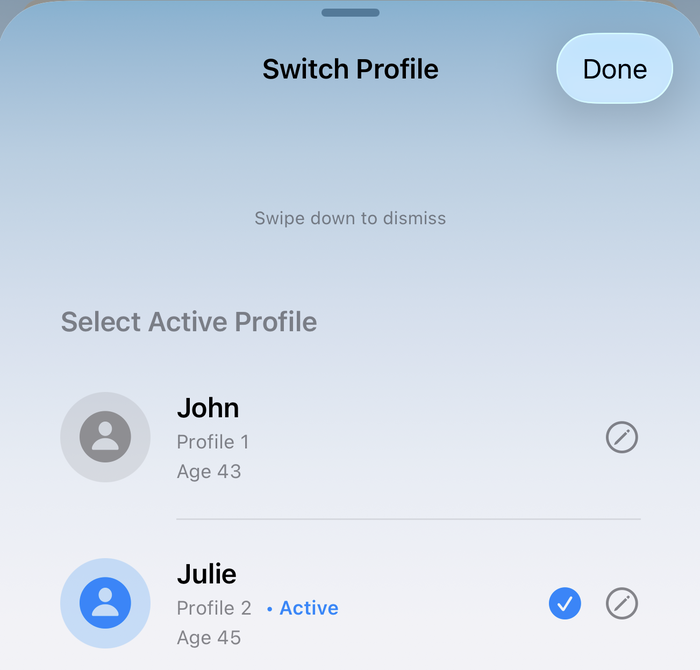
Two users,one app
Two profiles per account, fully separated, so a household can share one account without mixing up readings.
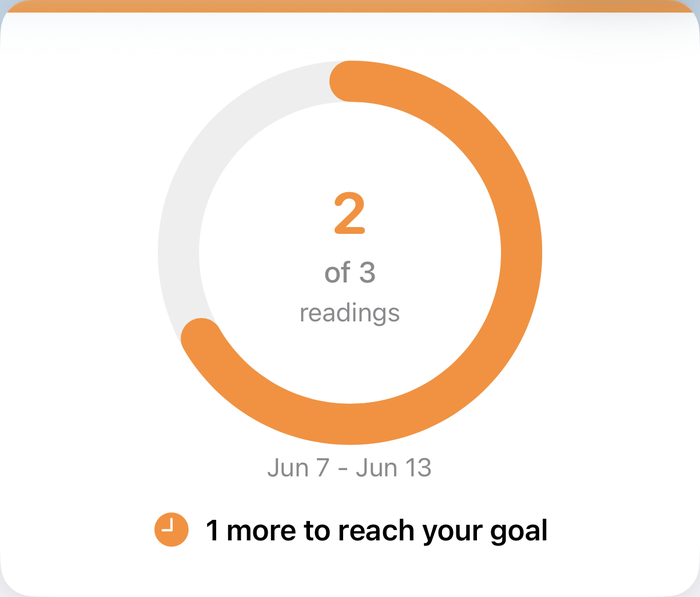
Build betterhabits
Set a weekly reading goal, track your streak, and see your consistency at a glance.
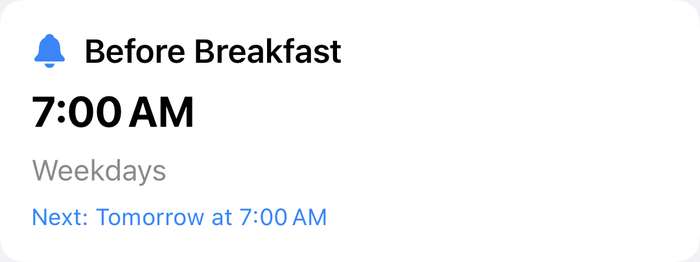
Never missa reading
Schedule reminders so taking a reading becomes part of your routine, not an afterthought.
Works with your ADC monitor
ADC @Home pairs automatically over Bluetooth with two ADC monitors, and works just as well with manual entry from ADC's other blood pressure monitors.
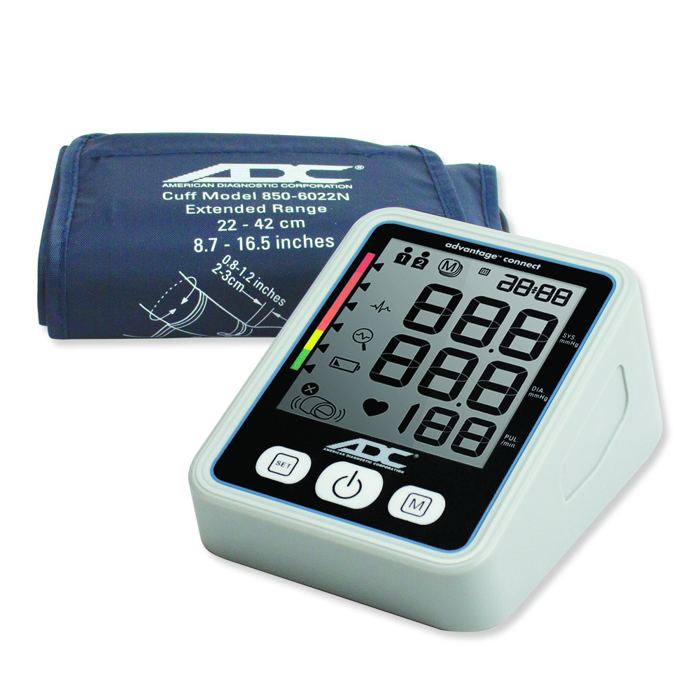
Advantage Connect® 6024N
- Two-user memory, 99 readings each
- Irregular Heartbeat detector
- MAM Advantage™ triple-measurement averaging
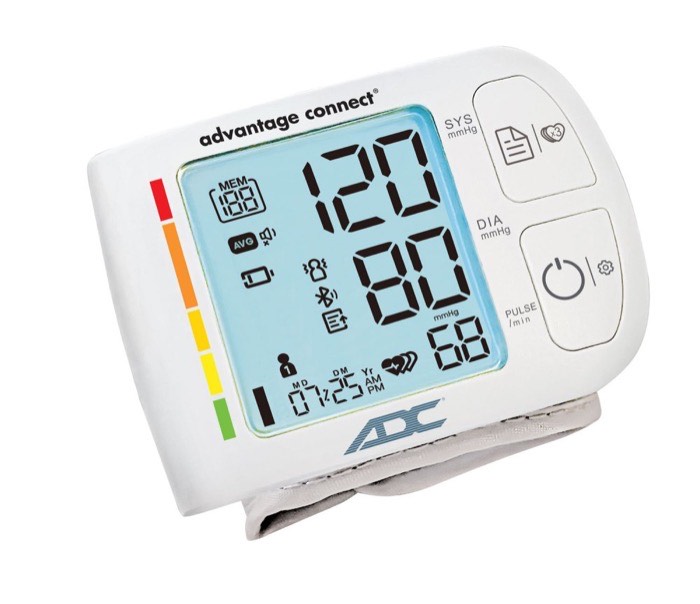
Advantage Connect® 6115
- Two-user memory, 199 readings each
- Guest Mode for one-off readings
- Compact wrist design, travel-ready
No Bluetooth, no problem.
Read your result off the display and log it in ADC @Home in a few taps.
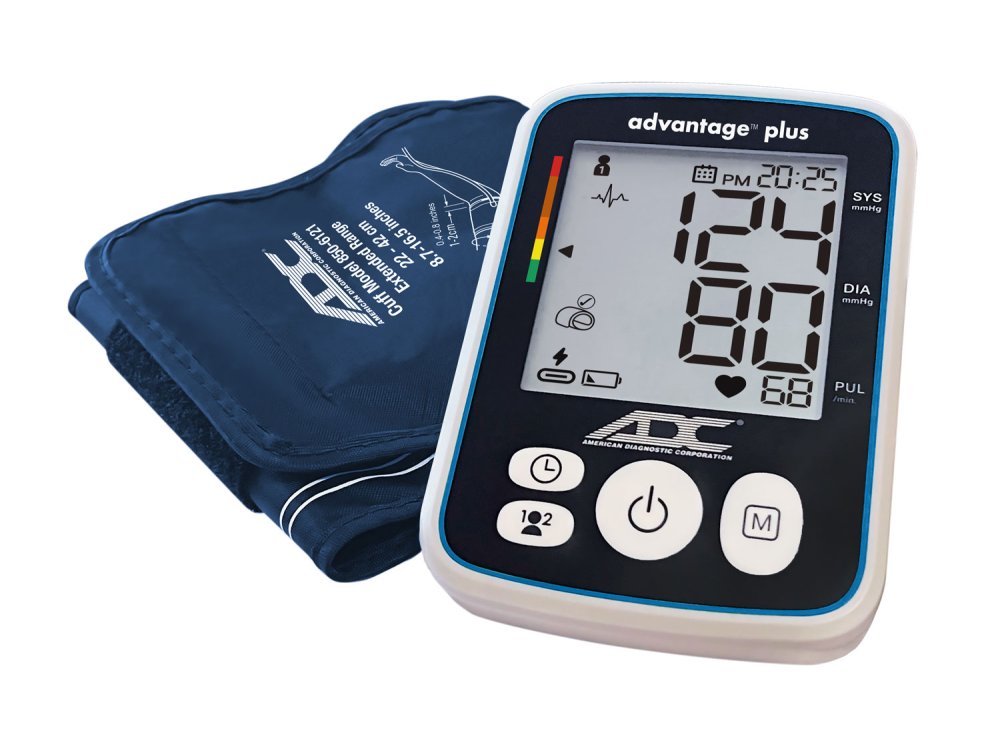
Advantage™ Plus 6121
- MAM Advantage™ triple-measurement averaging
- Two-user memory, 99 readings each
- Traffic light hypertension indicator
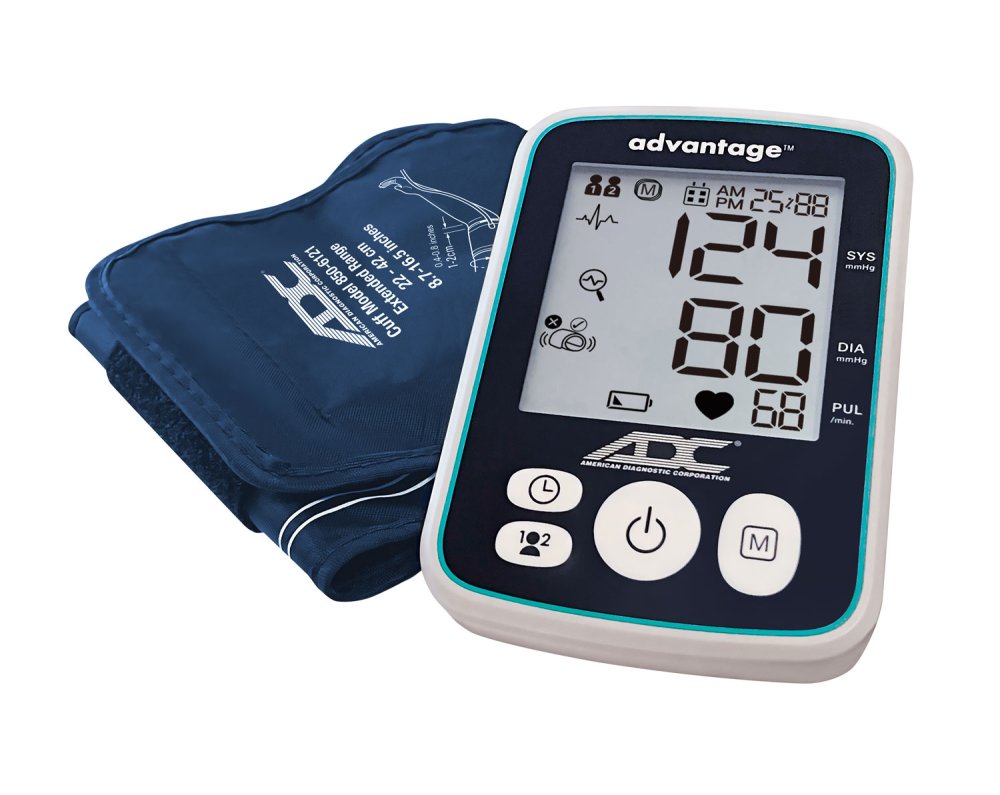
Advantage™ 6112
- Irregular heartbeat detection
- Two-user memory, 99 readings each
- Extended-range cuff, 8.7"–16.5"
The full feature set
Track and share your history
- Filter and chart
- Filter your reading history by category, and see it charted as individual readings, daily averages, or weekly averages.
- Share a single reading
- Share any reading as text straight from its detail screen, or add a note to it.
Guidance, built in
- Guided reading mode
- A step-by-step walkthrough that helps you get the most accurate reading, from cuff placement to staying still until it's done.
- BP tips and education
- In-app guidance on blood pressure basics and how to get the best reading, right when you need it.
Profiles built for households
- Secure sign-in
- Email and password sign-in, with your profile synced across your devices.
- Two profiles, one account
- Matches the two user slots on your monitor, so a household can share it without mixing up readings.
Stay in control
- Device management
- See your paired monitors, check when they last synced, and remove one from My Devices.
- Full control of your data
- Delete your account any time, with complete local data erasure.
Goals that keep you consistent
- Weekly goals
- Set a weekly reading goal and track your progress toward it.
- Reminders
- Schedule reminders so you never forget to take a reading.
Celebrate your progress
- Share your progress
- Share a completed weekly goal with friends or loved ones.
- Weekly summary
- A notification with your week in review, so you don't have to go looking for it.
Reports for your doctor's visit
- PDF & CSV export
- Export your readings as a PDF report or a CSV file, filtered by any date range you choose.
- CSV import
- Already tracking readings somewhere else? Bring them into the app instead of leaving them behind.
Built into your phone
- Apple Health & Health Connect
- Readings sync one-way to Apple Health on iPhone or Health Connect on Android. The app sends readings there; it doesn't pull anything back in.
- Widgets
- Home Screen and Control Center widgets on iPhone, home screen widgets and Quick Settings tiles on Android, for a glance at your goal and latest reading.
Built for each platform
- Native on both platforms
- Built natively for each platform, SwiftUI on iPhone and Jetpack Compose on Android, not a cross-platform wrapper, so both apps feel at home on their OS while sharing the same feature set.
- Built-in accessibility
- Works with your phone's built-in accessibility features, including VoiceOver on iPhone and TalkBack on Android, and supports Dynamic Type.
- Color-blind-safe design
- Category badges always pair color with text, so color is never the only signal.
Accurate readings. Valuable insights. Better together.
Pair ADC @Home with your ADC monitor and start seeing the story behind your numbers.
ADC @Home is a home tracking companion for compatible ADC monitors and manual entry. It is not a diagnostic device and does not replace the guidance of a physician.